
Frequently asked questions
Quick answers about claims, farm safety, shops, the world map and joining the server.
Why can I only claim so much land?
Every voting rank has a set number of claim chunks. Use /vote to find the current voting links and /rankup once you reach the next points threshold. Each new rank brings more land capacity and other perks.
Why does my farm need overflow protection, and how do I make it?
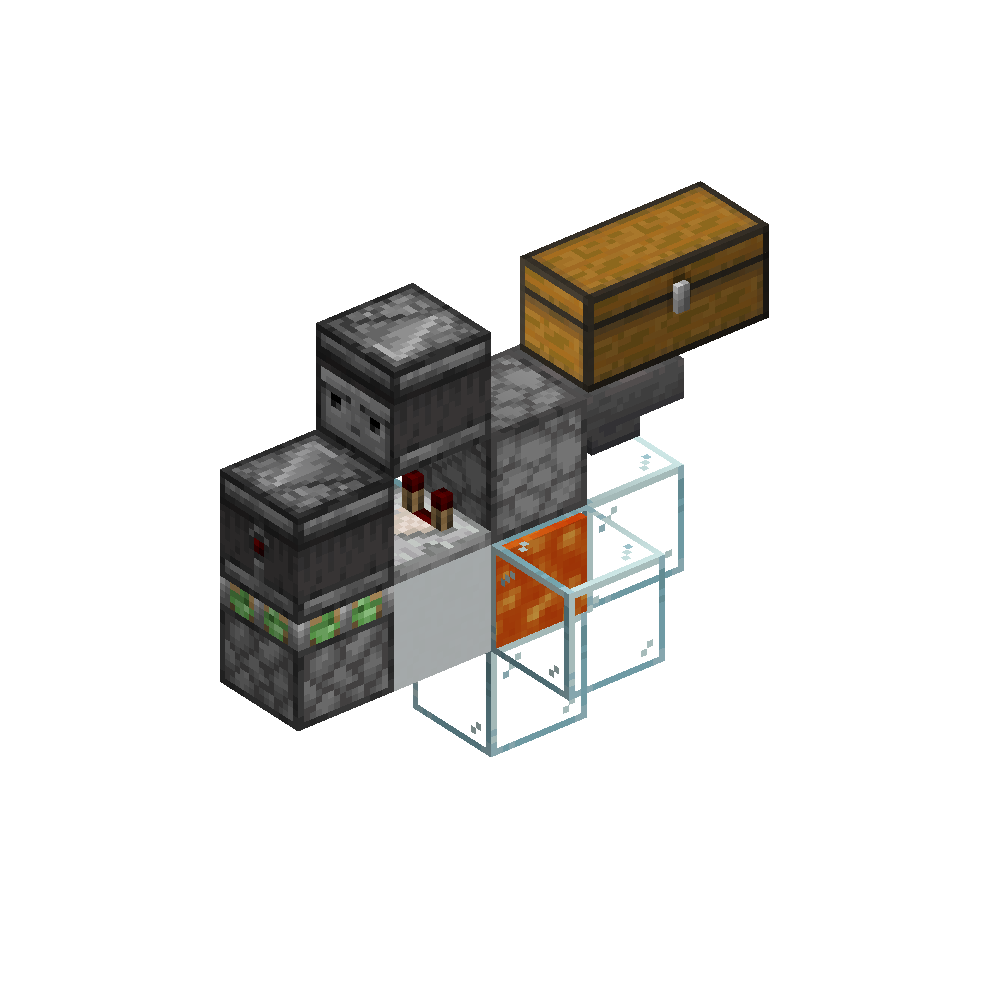
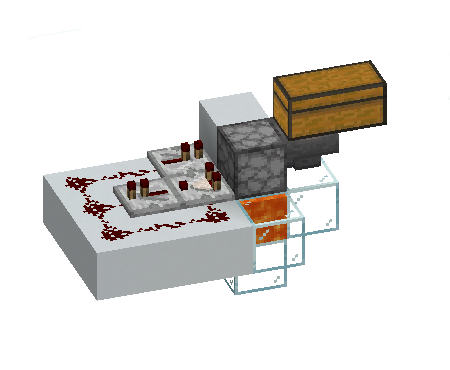
Every automatic farm needs an overflow, regardless of size. When storage fills, loose items can accumulate, make the area difficult to play in and affect server performance.
Route the final storage output into a safe disposal path so excess items are destroyed instead of dropping into the world. Test the design with the storage deliberately full before leaving the farm running.
Can I sell excess materials for diamonds?
Yes. The shop area at spawn has two rental sizes: standard shop plots cost $50 for seven days, while smaller minishops cost $20 for seven days. You may build and sell what you like inside your rented plot.
Both rentals expire after seven days. When a rental expires, the shop and everything left inside it disappear, so empty the plot before the end of the rental period.
How do I get money for plots and player shops?
Admin-shop carts are placed around spawn and the shopping area. Find the cart that trades diamonds to exchange one diamond for $10, or $10 for one diamond.
How do I send money to another player?
Use /pay <player> <amount>. For example, /pay Alex 10 sends $10 to Alex. Check the player name and amount carefully before sending because the payment is made immediately.
Can I have the world seed to plan my base?
Yes. The world seed is 16515906812. The homepage keeps it together with the server address and supported Minecraft version.
What is BlueMap?
BlueMap is Lotus Cove’s browser-based 3D world map. Use it to explore terrain, find existing builds and choose an area before travelling there in game. Drag to move around, scroll to zoom and use the map controls to change the view.
The map is refreshed from the server, but very recent changes may take a little time to appear. Always check the area in game before settling and claim your build with Lands.
Can a friend join from a Bedrock account?
No. Lotus Cove currently supports Minecraft Java Edition and is not a Bedrock crossplay server.